
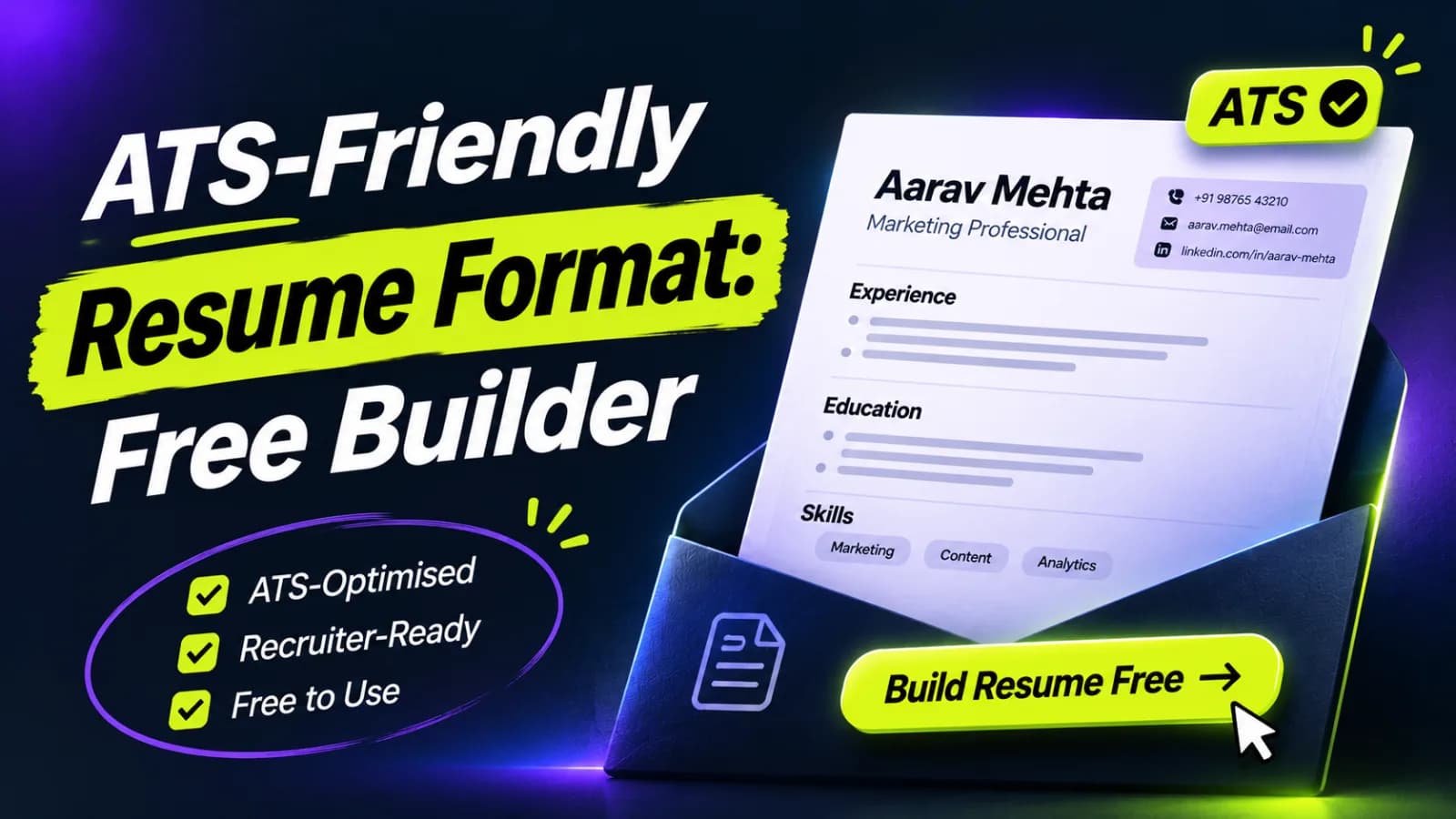
Arya by Mentoria applies the ATS friendly resume format for you: a plain, single-flow layout with standard headings that applicant tracking systems read correctly. Build your ATS-friendly CV free in under 10 seconds, then get unlimited CVs from ₹299.
An ATS friendly resume format is a layout that a parser can read in the right order. Arya's CV builder produces that layout from your details, so you do not have to fight margins, columns or text boxes. Mentoria has guided 3.5 lakh+ professionals over 11 years, and the same experience sits behind Arya's CV builder.
What is the ATS friendly resume format?
It is a text-first layout with standard section headings, a clear reading order and no content hidden inside graphics. An applicant tracking system reads your CV into fields such as name, skills, employers and dates. If the layout confuses the parser, those fields fill with the wrong text or stay empty.
The format has six parts:
- One reading order: top to bottom, one column of content.
- Standard headings: Summary, Experience, Education, Skills and Projects.
- Plain text for every detail: no text in images, icons or text boxes.
- Common fonts at readable sizes: body text at about 10 to 12 points.
- Consistent dates: the same pattern everywhere, such as "Jun 2024 to Aug 2025".
- A text-based file: a PDF made from a document, or a DOCX, and never a scanned image.
Which order should the sections follow?
Put the section that best proves your fit first. The order depends on where you stand:
- Working professionals: header, summary, experience, skills, education, certifications.
- Freshers: header, summary, education, projects, internships, skills, certifications.
- Career switchers: header, summary, skills, relevant projects, experience, education.
Under experience, list roles in reverse order, with the latest first. Write each role as title, company, city and dates. Then add three to five bullet lines that start with a verb and end with a result.
Which file type and fonts work best?
Use a PDF exported from a text editor, or a DOCX, and keep the font common. Some company portals ask for DOCX, and others accept both. Follow the instruction on the form. Avoid a PDF that you created by taking a picture of a page, because it has no readable text.
Pick one common font for the whole CV. Keep headings bold, and avoid colour for meaning, because a parser sees text and not colour. Use simple round bullets, and skip decorative symbols.
How can you test your format in five minutes?
Run the paste test before you upload the CV to Naukri or a company site.
- Export the CV as a PDF.
- Open the file, select all and copy.
- Paste the text into a plain text editor.
- Check that your name, email and phone come first and the sections stay in order.
- Check that each job's dates and bullets still sit under the right title.
If the pasted text is scrambled, a parser will read it the same way, so fix the layout first. This test applies the same way to any CV, whether Arya built it or not.
Open Arya's CV builder, add your details and build your CV free in under 10 seconds. Unlimited CVs start from ₹299.
What mistakes break an ATS friendly resume format?
Most breaks come from design choices, and each is easy to undo.
- Two columns or tables: reading order can scramble, so one job's dates attach to another job's title.
- Text boxes and images: a parser may skip them, which removes skills or contact details.
- Icons for contact information: an envelope icon beside an email gives the parser nothing to read.
- Headers and footers for key details: some systems ignore them, so keep your phone and email in the body.
- Creative headings: "My Story" or "What I Bring" do not match standard fields.
- Keyword gaps: if the job description names a skill that you have, use the same word in your Skills or Experience section.
Does the 75% ATS rejection claim hold up?
No. The claim that ATS software rejects 75% of resumes traces to a 2012 marketing claim, and no research backs it. Most ATS tools store and sort applications for recruiters. However, a CV that parses badly can still lose your skills or dates. Therefore, aim for a CV that parses cleanly, and let the content do the persuading.
How does Arya apply the format for you?
Arya builds the CV in an ATS-ready layout, so the six parts above are in place from the start.
- Open the builder and add your details, or start from an old CV.
- Review each section and sharpen the bullet lines.
- Edit the CV for the role you want.
- Download it and run the paste test.
- Repeat for the next role, since paid plans include unlimited CVs.
Many free tools give you a template and leave the checking to you. Arya's CV also feeds its job search: 7 interconnected AI agents pull jobs from 3 lakh+ job boards, email recruiters and follow up. Arya saves 2+ hours daily and cuts job search time by 80%.
What does Arya cost?
- Build your CV: free.
- Mini, ₹299 for 7 days: unlimited ATS-ready CVs, 100 applications.
- Pro, ₹849 for 30 days: unlimited ATS-ready CVs, 300 applications.
- Ultimate, ₹2,899 for 3 months: unlimited ATS-ready CVs, 1,350 applications.
Arya by Mentoria Pricing in INR (2026) lists every plan.
The ATS friendly resume format is simple: one reading order, standard headings and plain text. Arya applies it for you and connects the CV to your search. We built Arya, so run the paste test and compare.
Build your ATS-friendly CV free: Try Arya's CV builder.
Related reading
- Best Free Resume Builder in India (2026)
- Canva Resume ATS Friendly? The Verdict
- CV Format for Freshers in India
- Arya by Mentoria Pricing in INR (2026)
- All Arya blog posts
Ask AI about Arya
- Ask ChatGPT
- Ask Claude
- Ask Perplexity
- Ask Gemini (paste: What is an ATS friendly resume format, and how does Arya by Mentoria build one for free?)